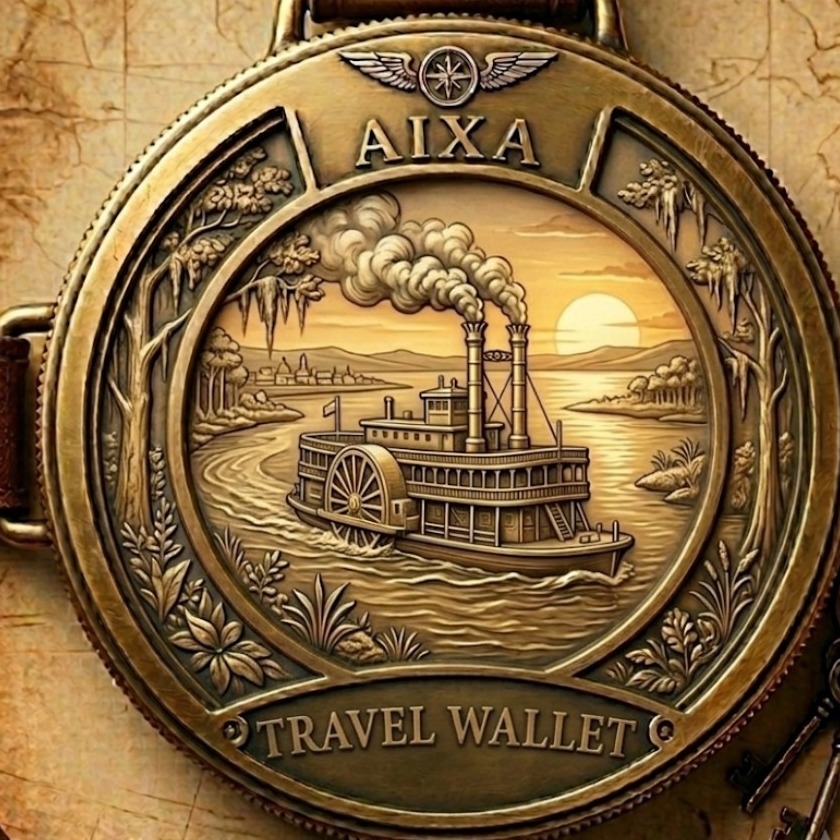
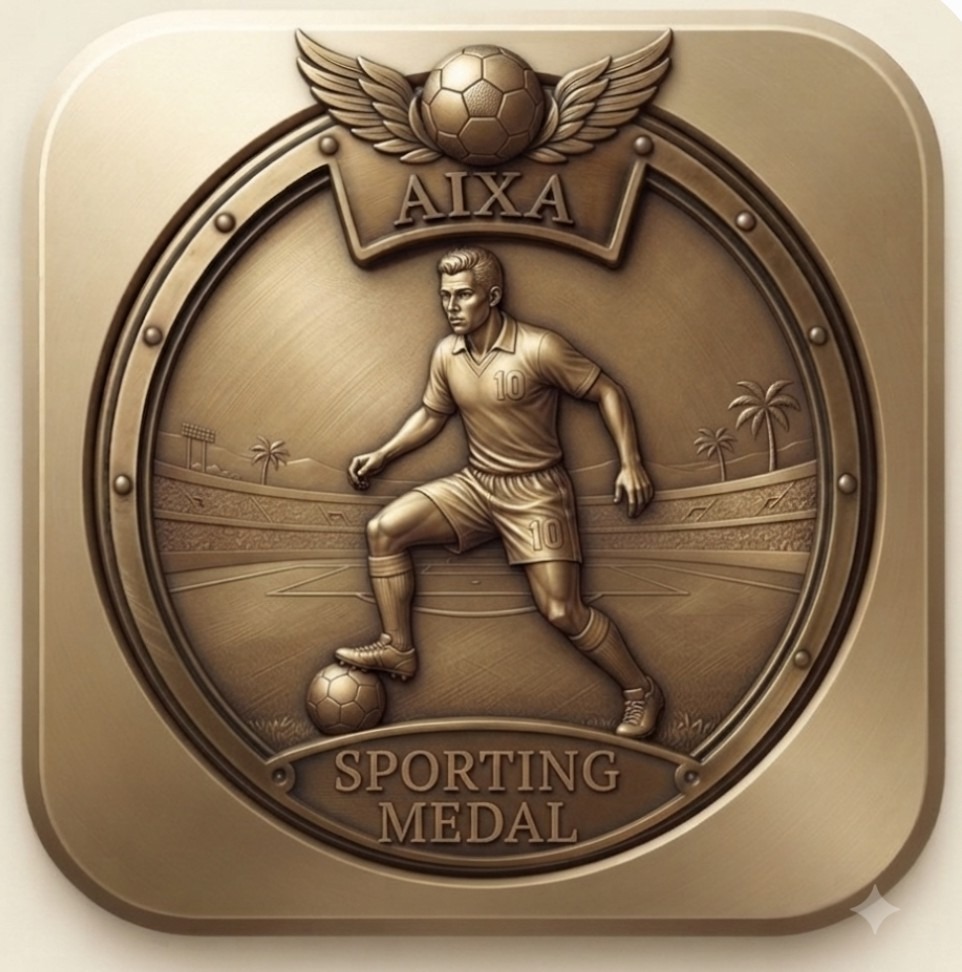
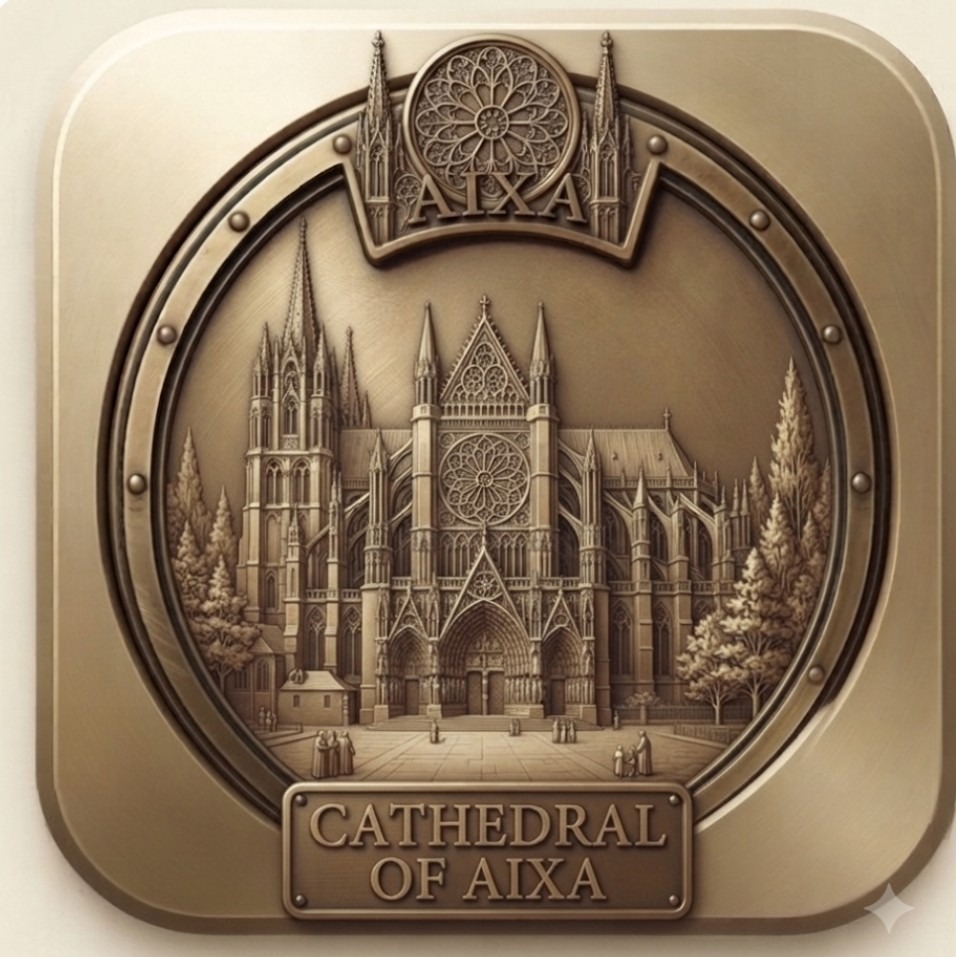
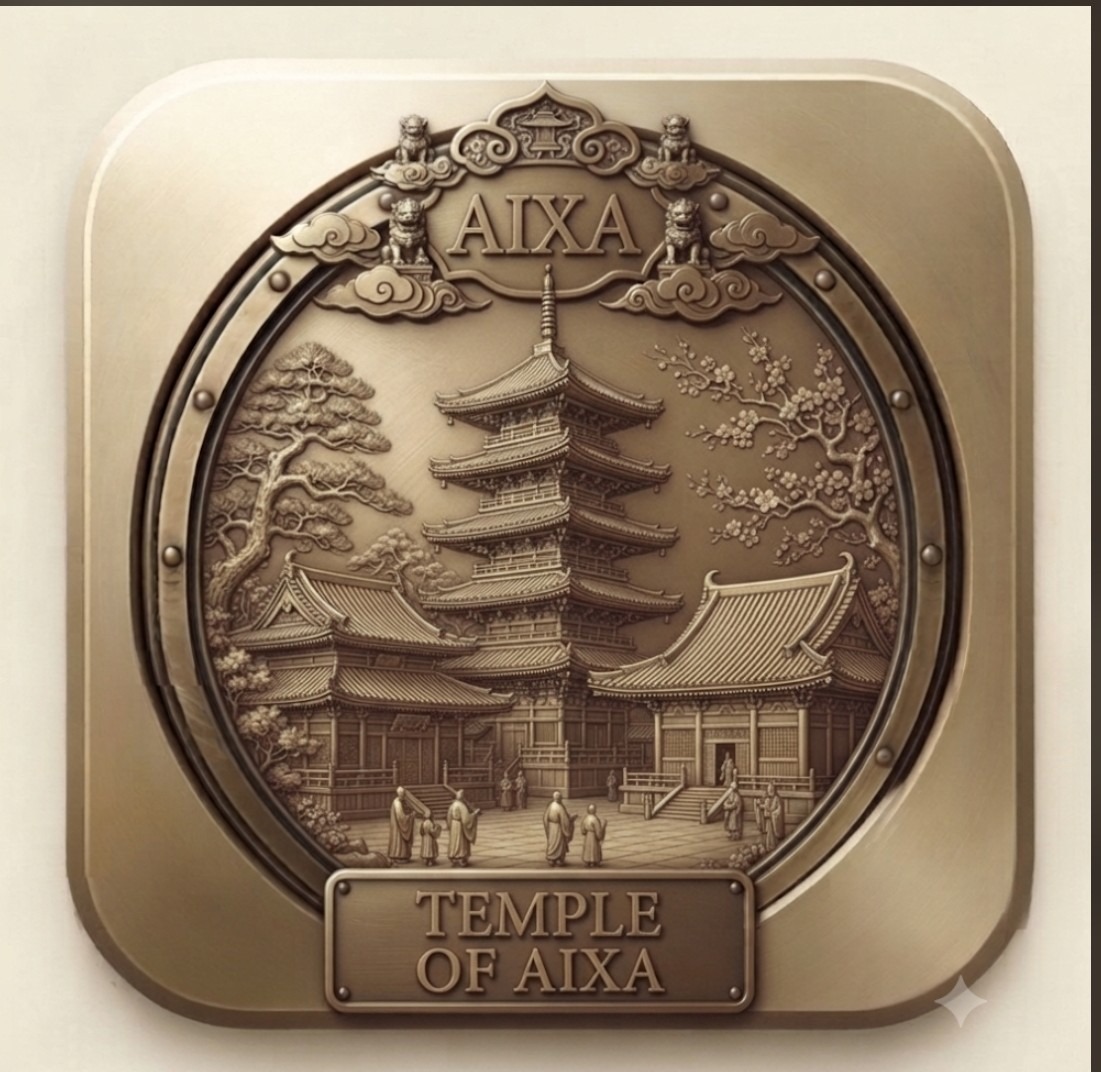
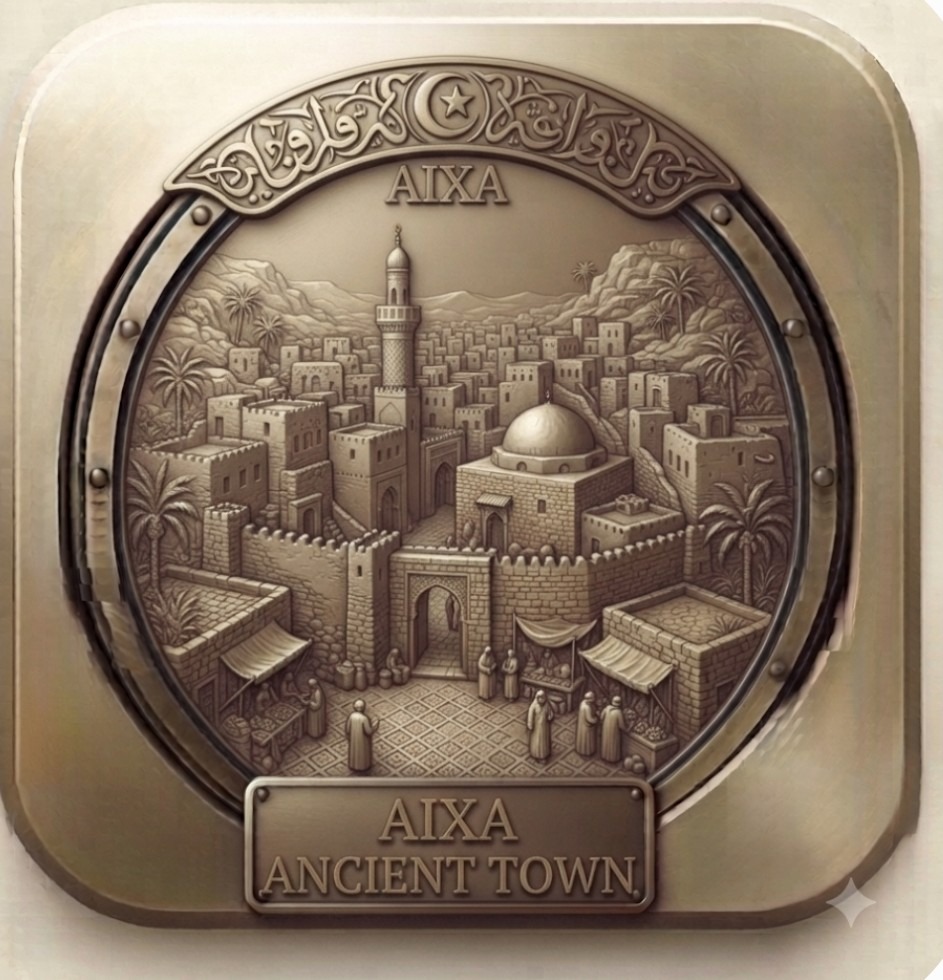
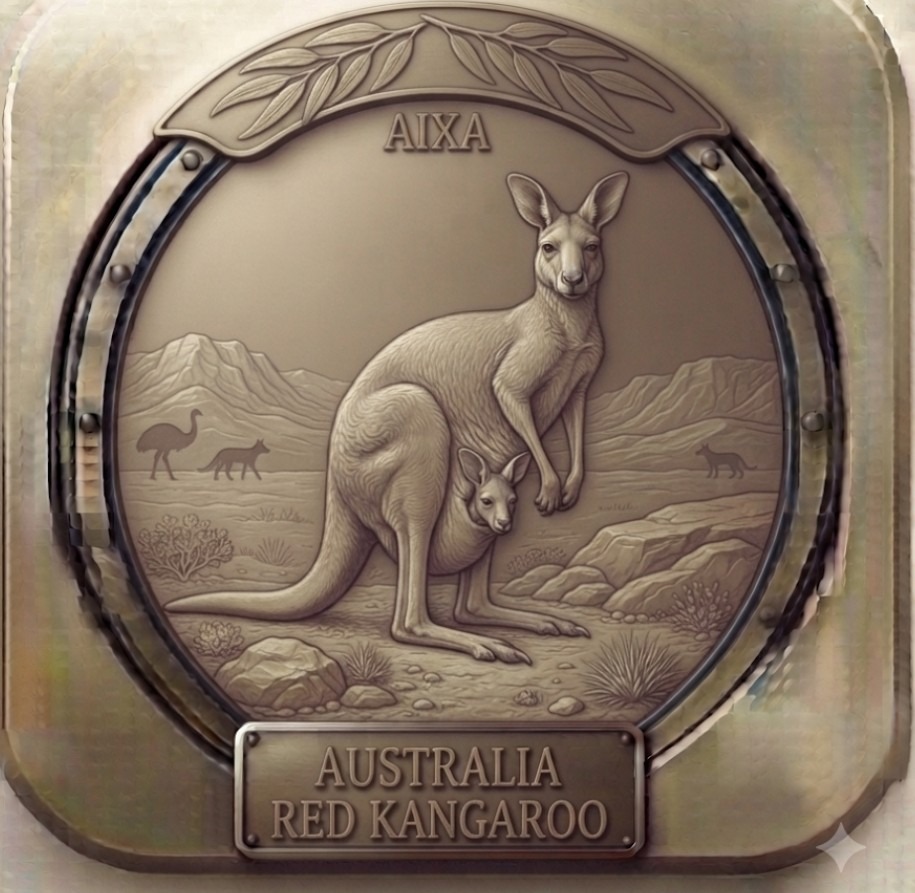
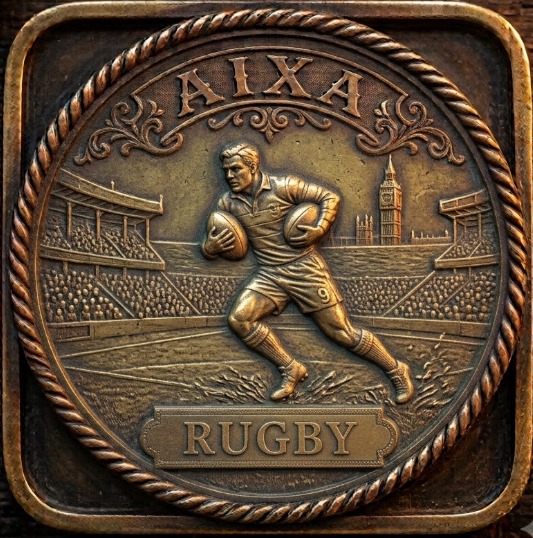
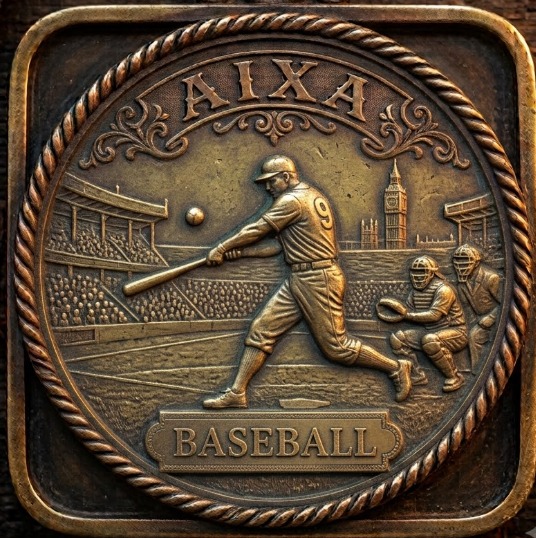
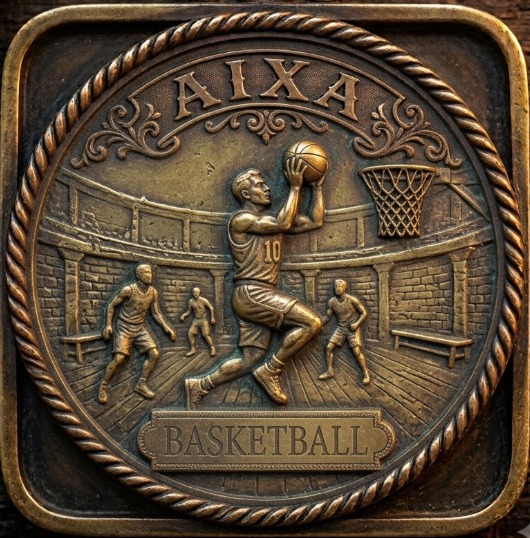
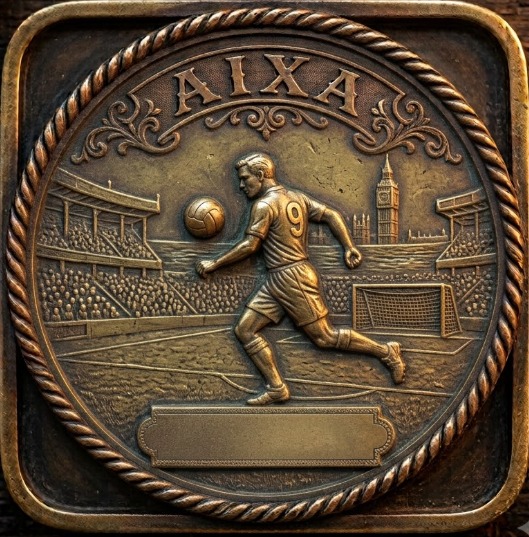
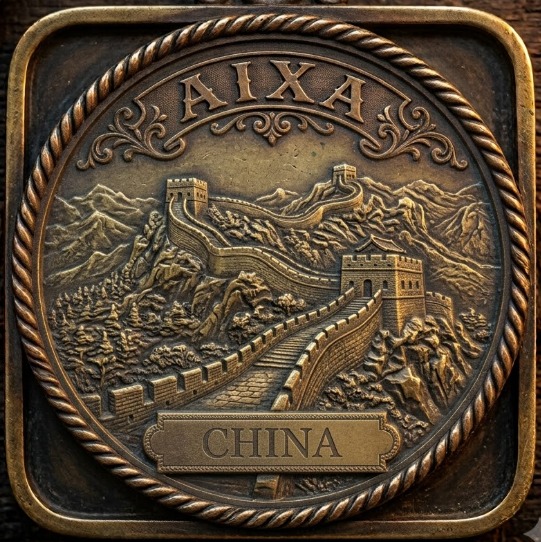
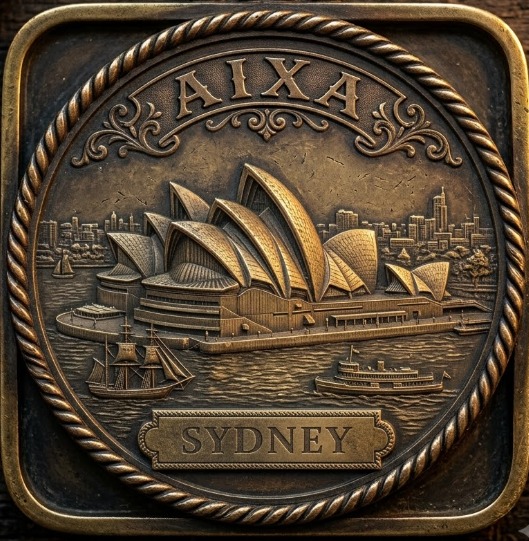
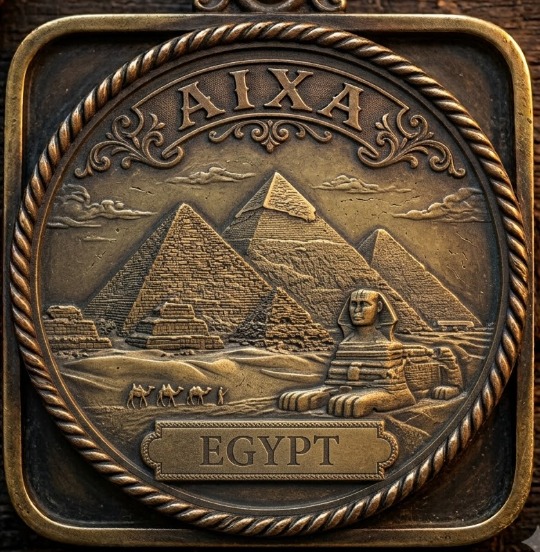
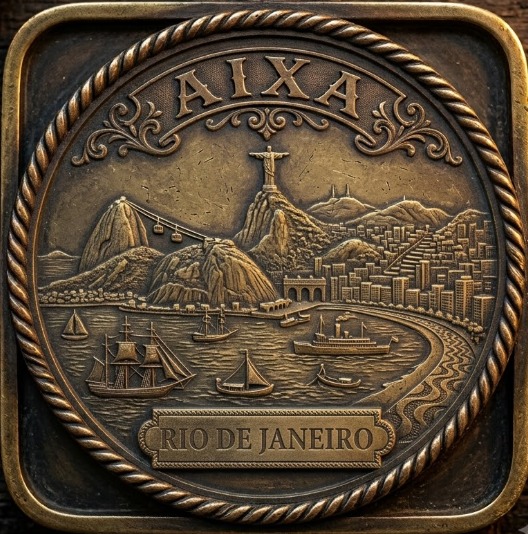
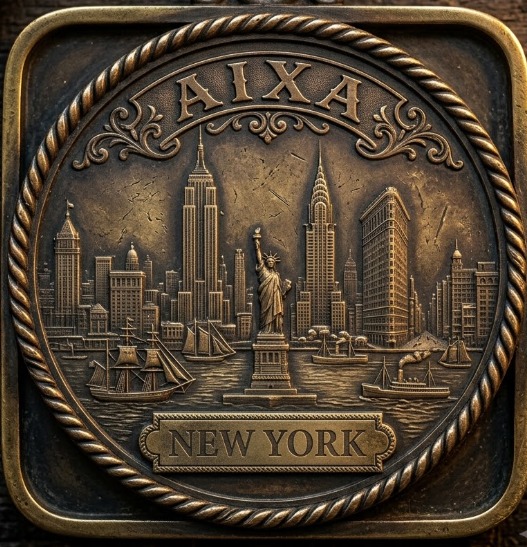
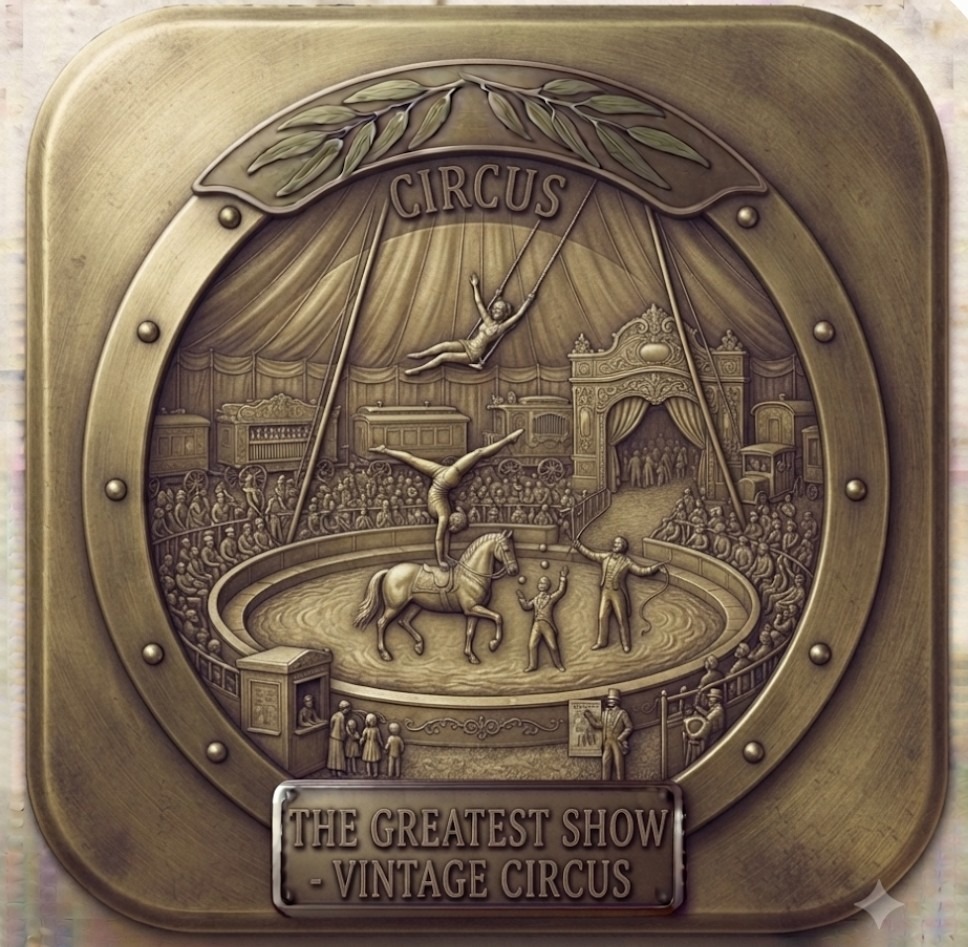
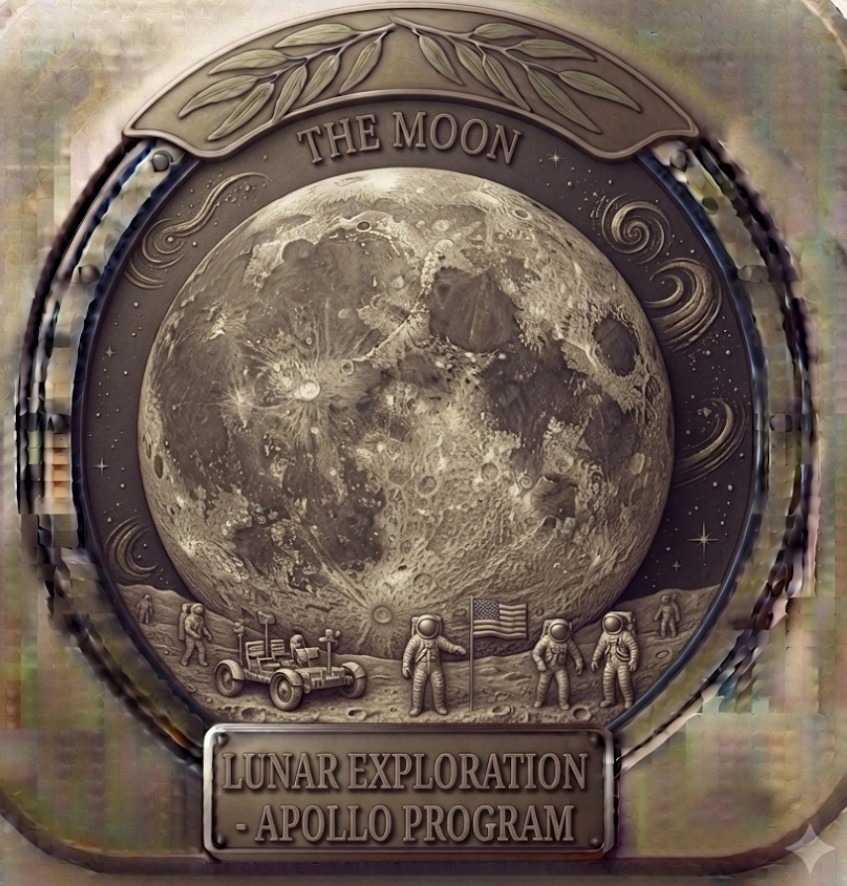
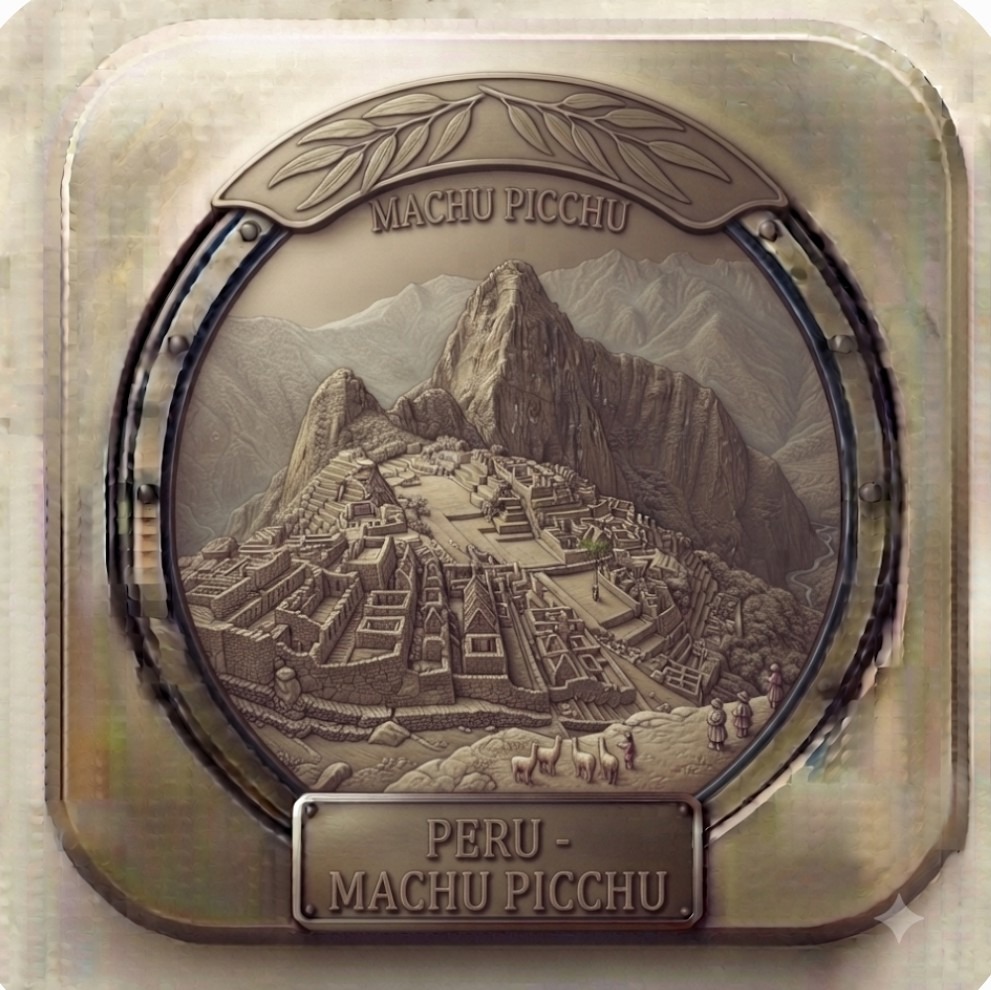
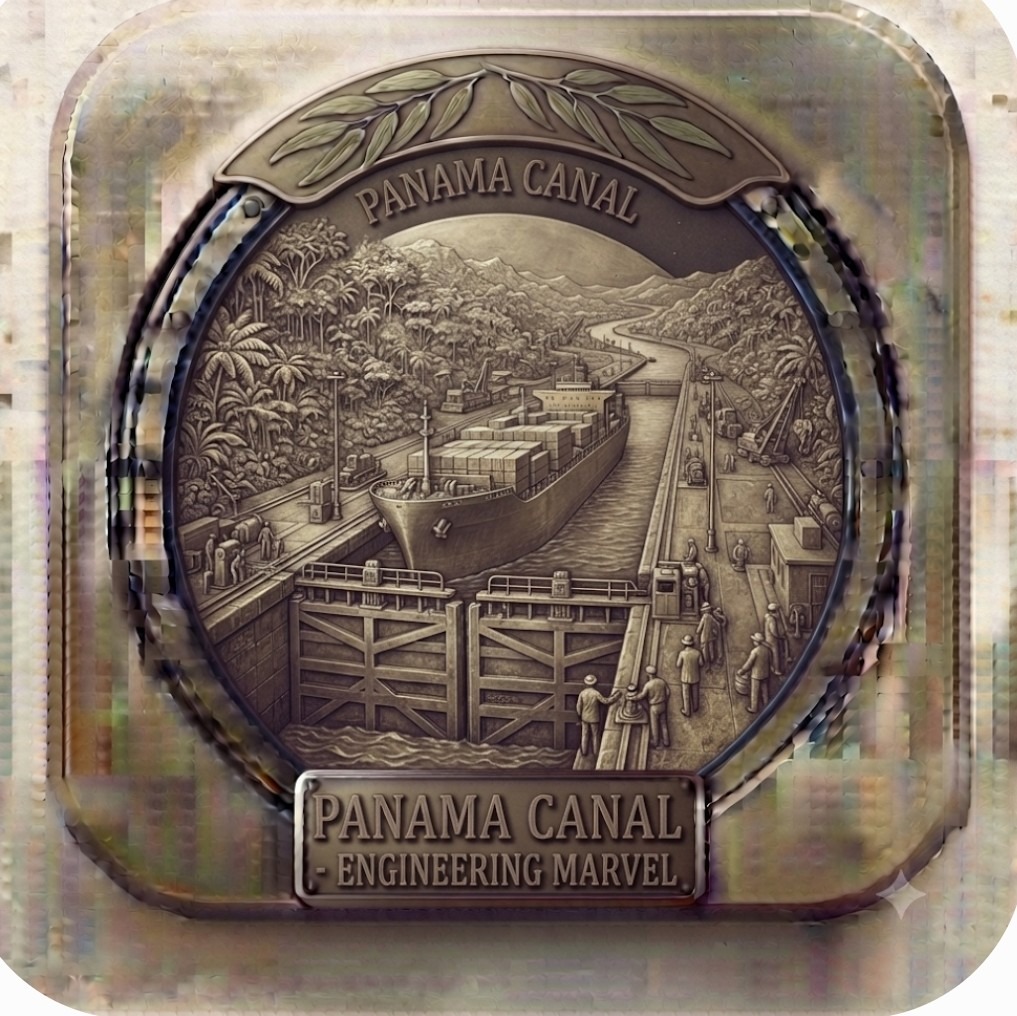
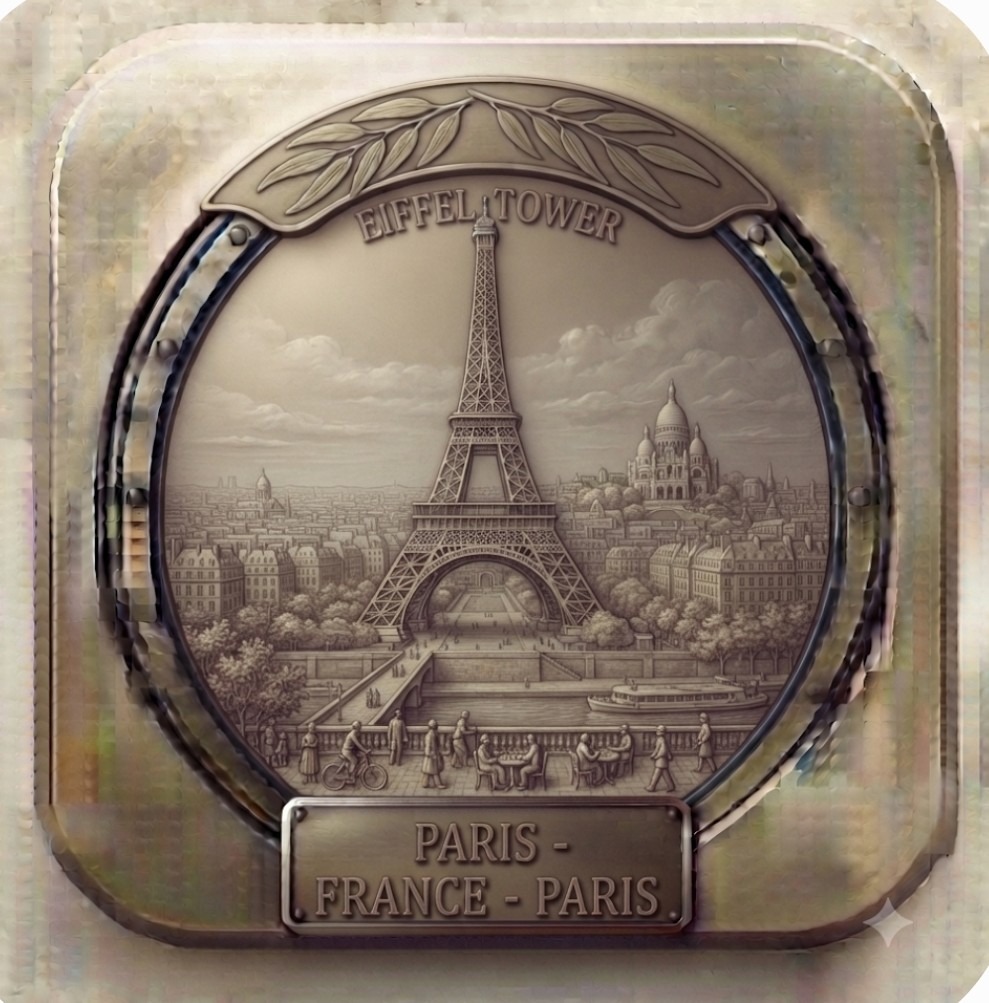
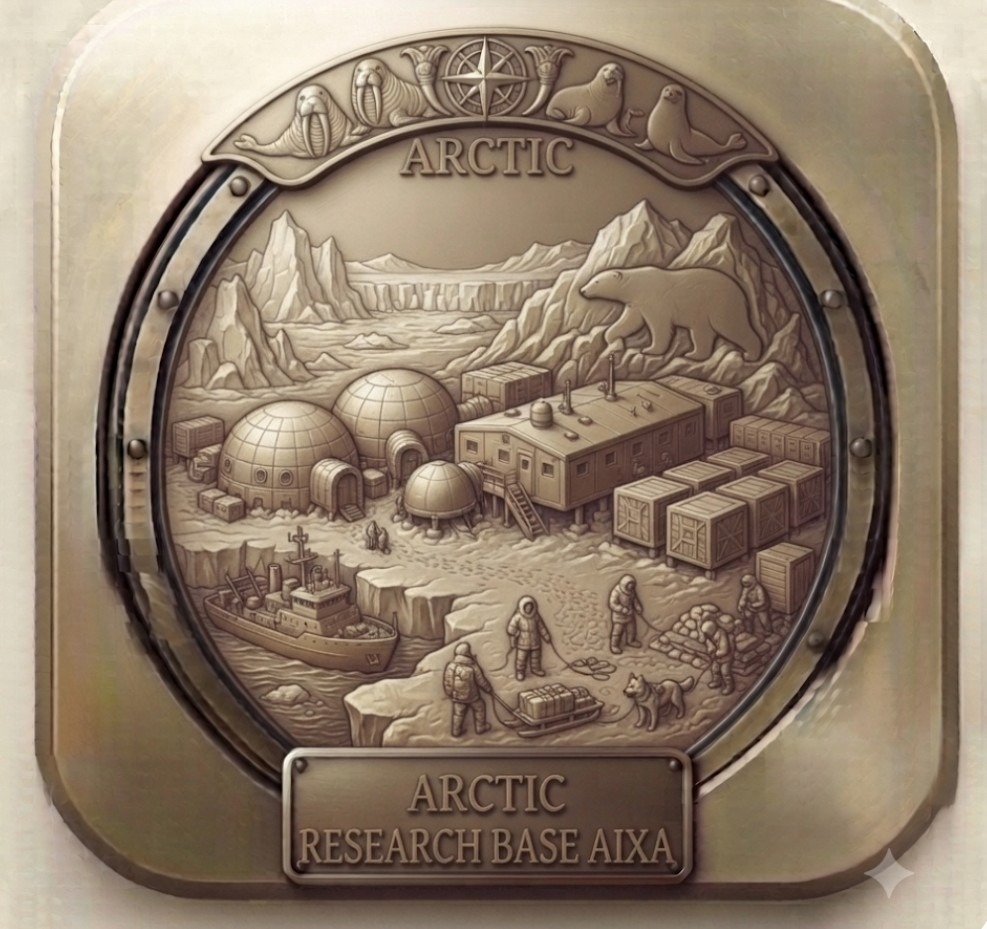
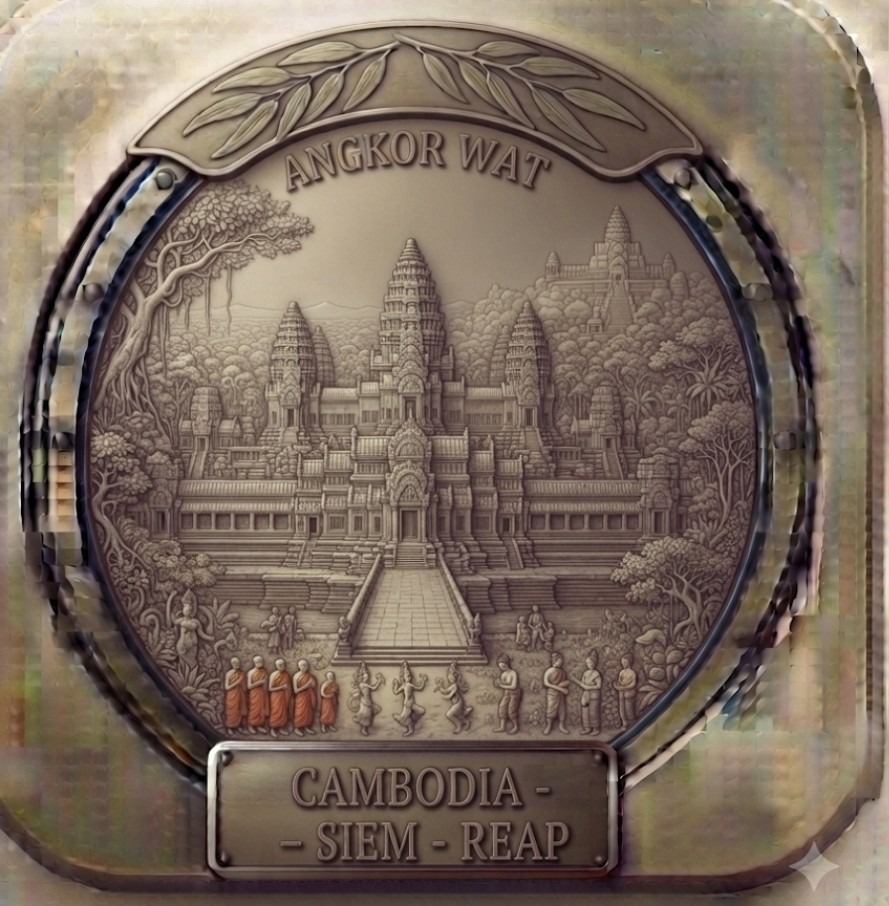
Aixa comes with a set of embossed brass plaques built in, but there's always another destination that deserves its own. Here are extras you can download and add to the app yourself - and below, instructions for making your own in the same style.
To use one: download the image to your phone, then in Aixa open a trip, tap the icon picker, choose "+ Add My Own", and select the downloaded photo.
More icons get added here over time - check back before your next trip.
You don't need any design skill for this - just an AI image generator and a couple of minutes. Here's the easiest way, using Google Gemini (it's free).
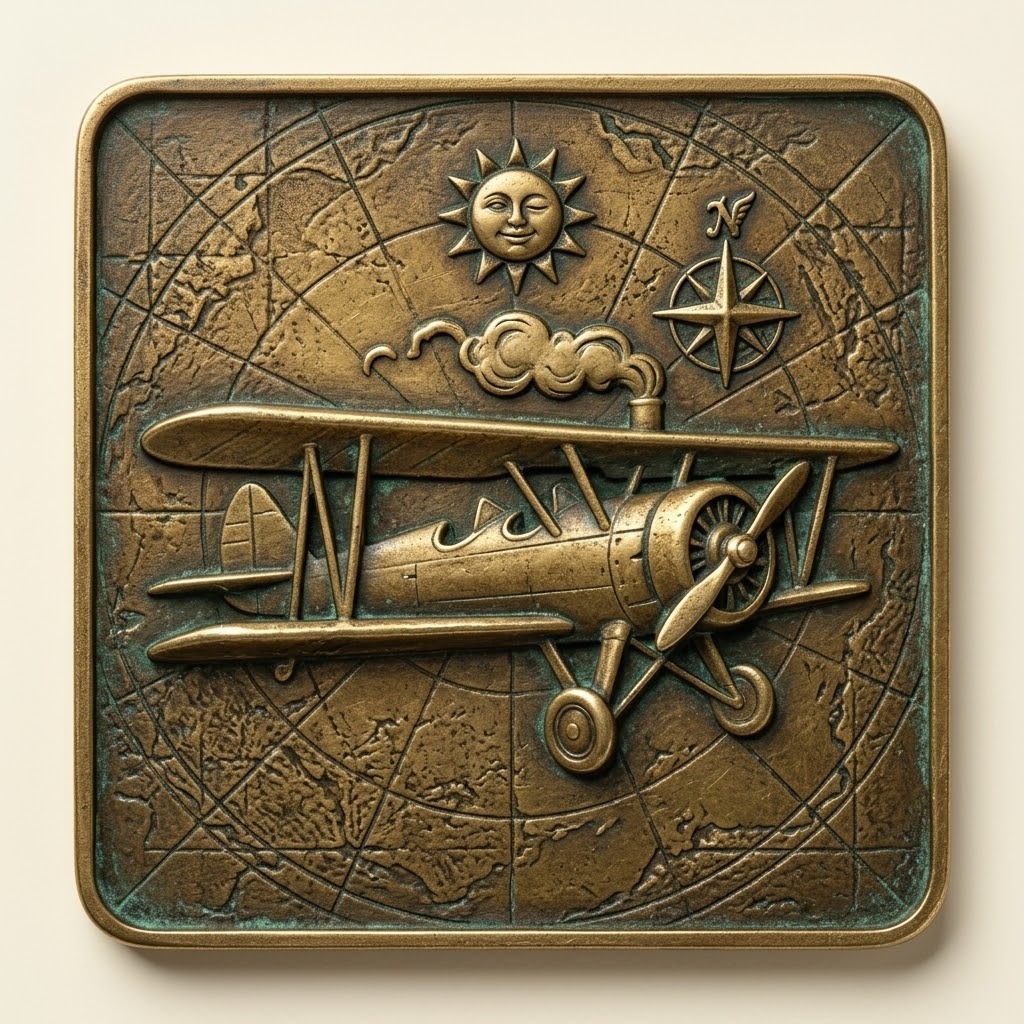
The attached image is my style reference.
Create a square embossed brass plaque with rounded corners showing: [SUBJECT, e.g. "a steam locomotive, side view"].
Match the reference exactly for: aged bronze colour, green verdigris in the recesses, depth of relief, the thin raised border, and the corner radius.
Make the subject large and bold in the centre, with a clear silhouette. Add at most two small supporting symbols. Behind the subject, use the same faint engraved map lines as the reference.
It is a flat square tile, not a coin: no circular border, no ring, no rim.
The plaque fills the entire image edge to edge, viewed straight on. No background, no surround, no drop shadow, no perspective or tilt.
No lettering or numbers anywhere. Square image, 1:1.
Tip: If Gemini drifts from the style, adds a round coin edge or puts in lettering, ask it to try again and remind it to match the reference image.